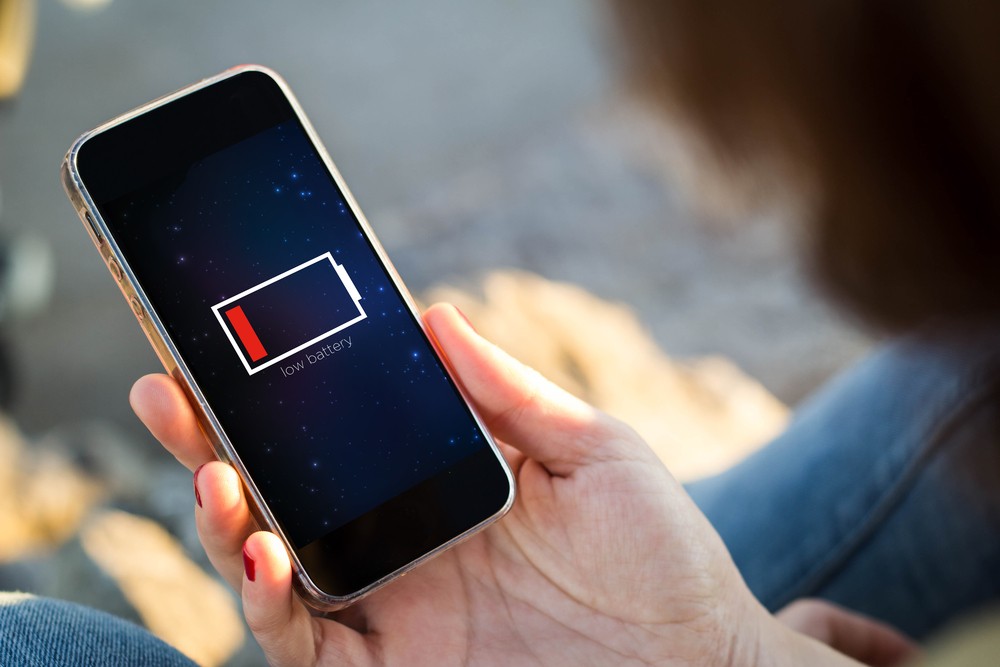
Smartphones have become an integral part of our lives, providing us with various advanced features and facilities. However, the most common issue that smartphone users face is low battery life. Smartphones require a lot of power for their HD resolution, smart features, and other facilities, which results in quick battery drain. This can be a huge pain for those who used to have feature phones or bar phones, as they used to be charged for a minimum of two to three days. In this article, we will discuss 6 ways to save smartphone battery charge.
1. Properly shut down:
Whenever you enter an application on your phone, it will ‘exit’ when it is finished. However, if the application you entered did not come out completely even after your work, then the battery will continue to drain at the same rate. Therefore, it is essential to properly shut down the applications you are not using.
2. Do not install unnecessary applications:
Avoid downloading any application that is not needed or may be useful in the future. Android or iPhone applications start looking for their updates as soon as they get an internet connection, which results in battery drain. Therefore, only download and keep the applications that you use frequently.
3. Adjust screen brightness:
Adjusting screen brightness can be an effective way to save battery life. Many times we unnecessarily increase the resolution of the mobile. If we are indoors or indoors, 50% resolution of mobile is enough. You can increase its resolution only if you go out in the sun or the light of day. Over-resolution wastes valuable mobile charges.
4. Turn off unused features:
Smartphones come with a lot of advanced technology, and some features consume more battery power than others. There are some technologies that we turn on without knowing their use. Although it may not work for us, or it may not always work for me. For example, even if the location option does not work, we keep it on, which wastes the charge of our mobile. Similarly, it is better to turn on Wi-Fi or Bluetooth when needed.
5. Play games with lower sound:
If you play games on your smartphone, the battery life drains quickly. If games are played with more sound, its charge is exhausted faster than expected. Therefore, it is recommended to play games with moderate or low sound.
6. Use power saver mode:
Many smartphones come with a ‘power saver’ option that can help save battery life. If the charge of your mobile goes to a certain level or in your convenient position, then by turning on this option, the charge of the mobile can be kept for a long time. Therefore, whenever the charge of your mobile will come down to 15% -20%, it is possible to use the charge of the mobile for a long time by turning on this feature.
It is essential to avoid unnecessary usage of your smartphone to hold its charge for a long time. Turning on or off the screen of the mobile after a while unnecessarily, even if it does not come out properly after listening to the video or song, the charge is lost. You can also try switching off the data or Wi-Fi when you are not using the internet, which can help to save battery life.
In conclusion, smartphones are an essential part of our lives, but their battery life can be a huge concern. By following the above tips, you can save smartphone battery charge and use your phone for a longer period. It is essential to take care of your smartphone's battery life to ensure its longevity and optimal performance.
Comments
Post a Comment