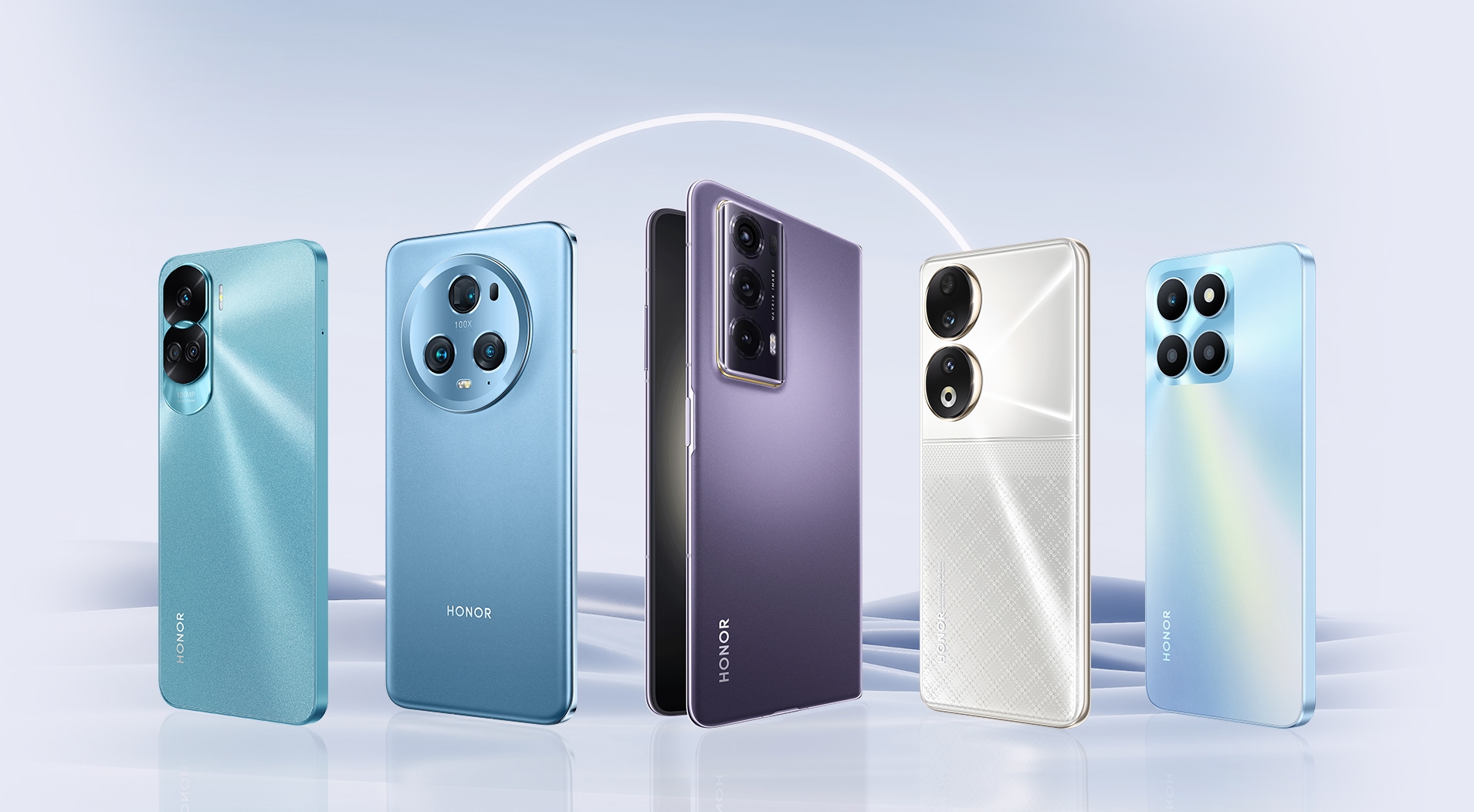
Considering the number of smartphone users, more than half of the users use Android phones. Android phone management is also easier than other phones.
However, no matter which phone you use, the battery charge of the phone is an important issue. We try a lot to prolong the battery life of the phone.
We also download many apps. Without doing all this, you can use the smartphone all day and night just by changing the settings of the mobile. Come on, let's know the strategies.
5 Tips for Android Mobile Phone:
1. Control the light of the smartphone
We have the same kind of brightness all day on the display of many of our smartphones. Work can also be done at low brightness where there is sufficient light. So it is better to keep the brightness low.
Again the display is not seen in low brightness in sunlight. In that case it is convenient to see if the brightness is increased.
When you go inside the house again, if you reduce the brightness, both the display and the battery of the phone will be good. In most cases, it is better to keep the mobile brightness at 30 to 40 percent.
2. Keep an eye on the AMOLED screen for whiteness
Among the popular displays of smartphones, the AMOLED screen is quite ahead. However, since the AMOLED display is a bright display, care should be taken in choosing mobile wallpapers. It is better to use black wallpaper. This will reduce battery usage.
3. Close apps shortcut
Shortcut icons are created on the home screen when downloading new apps from the Google Play Store. You can turn off shortcuts by going to Settings from the Google Play app menu.
4. Use 'Silent Mood' if necessary
Keep phone calls, messages or alert systems silent during sleep or rest. Android phones have a mode called 'Do Not Disturb' mode, which will not be annoying if set.
You can turn on this feature in Sounds settings by going to Settings or you can also use Silent Mode using Volume Key.
5. Use screen lock on phone
The smartphone has a touch screen display in the pocket, but many times the call can go. Locking the phone by repeatedly pressing the power on-off button is a loss for that button.
So you can use the screen lock option. Although not on the phone, there are many such apps in the Google Play Center. Download and start using.
Good luck with your Android phone.
Comments
Post a Comment