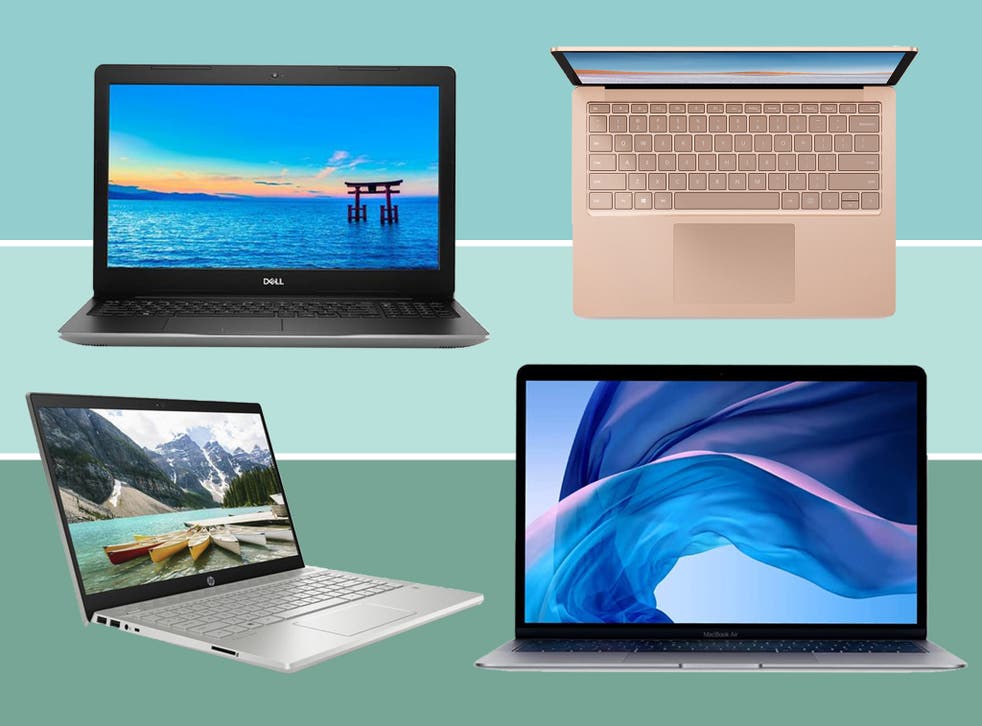
As technology continues to advance, laptops have become a necessary tool for work, school, and entertainment. With so many different types of laptops available on the market, it can be difficult to decide which one is best suited for your needs. In this report, we will discuss the top nine things to consider before buying a laptop, including size and weight, processor, RAM, storage, display graphics, keyboard and touchpad, battery, USB port and other features, and after-sales service.
Here is those 9 things below:
1. Size and weight
One of the first things to consider when buying a laptop is its size and weight. If you plan to use your laptop primarily at home or in the office, size and weight may not be a big issue. However, if you plan to travel frequently with your laptop, you may want to consider a smaller, thinner, and lighter model. A smaller laptop will be easier to carry and will take up less space in your bag. Additionally, thinner and lighter laptops are more portable and can be used comfortably while on the go.
2. Processor
The processor is the most important component in determining the speed of a laptop. When choosing a processor, it is important to understand the type of work you will be doing. For light work such as web browsing and word processing, a Core i3 or AMD processor should be sufficient. For more demanding tasks such as photo or video editing, a Core i5 or i7 processor is recommended. For heavy work such as 3D modeling and gaming, a Core i9 or equivalent processor should be considered. It is also recommended to choose a laptop with the latest 8th or 9th generation processor for optimal performance.
3. RAM
The amount of RAM in a laptop is also important in determining its speed. For light quality work, such as web browsing and word processing, 4 to 6 GB of RAM should be sufficient. For more demanding tasks, such as photo or video editing, it is recommended to have at least 8 GB of RAM. For heavy work such as 3D modeling and gaming, 16 or 32 GB of RAM is recommended. Having more RAM will allow you to multitask more efficiently and handle larger files without slowing down your computer.
4. Storage
The amount of storage you need depends on your needs. Hard disk storage as well as having an SSD should be given priority. SSDs are faster than hard drives and will make your laptop run faster overall. If you plan to store large files such as photos or videos, you will need more storage capacity. In general, it is recommended to have at least 256 GB of storage. However, if you plan to store a lot of files, 512 GB or 1 TB of storage may be necessary.
5. Display graphics
The type of display is important if you plan to use your laptop for entertainment or graphic design. For the average user, a good resolution display should be chosen. However, for those who watch movies or play high graphics games, a laptop with a good resolution and dedicated graphics features should be considered. Touchscreen displays are also available and can be useful for certain tasks, such as drawing or taking notes.
6. Keyboard and touchpad
The quality of the keyboard and touchpad are important considerations when buying a laptop, especially for those who type a lot. A good quality keyboard will make typing more comfortable and efficient. A touchpad with good sensitivity and accuracy will make navigation easier. It is also recommended to choose a laptop with a backlit keyboard for ease of use in low light conditions.
7. Battery
Battery life is an important aspect to consider, especially if you plan to use your laptop outside for extended periods of time. Laptops with longer battery life are more convenient and practical for travel.
8. USB Ports and Other Features
USB ports are essential for connecting external devices such as flash drives, printers, and other peripherals. Look for laptops with USB 3.0 ports for faster data transfer speeds. Other features to consider include a fingerprint scanner, webcam, and HDMI or VGA ports.
9. After-Sales Service
Finally, consider the after-sales service offered by the manufacturer. Most laptops come with a 1-3 year warranty, but the details of this warranty can vary widely. Look for a manufacturer with a reputation for good customer service and a clear policy for repairs and replacements.
In conclusion, there are many factors to consider when buying a laptop, but by taking the time to consider your needs and budget carefully, you can make an informed decision that meets your needs and fits your lifestyle.
Comments
Post a Comment